How to Build a Gaming Computer in 2025? Beginners Guide


Hey game enthusiasts, are you interested in building your own Gaming Computer? Don’t overthink. If you have the confidence and have an interest in taking your game to the next level of customization, this article will help you fulfill your dream.
This article will help you better understand the difference between a normal PC and a gaming PC, as well as the steps involved in building a gaming computer. Let’s delve into it.
Gaming PC vs normal PC: What is the difference?
A Gaming Personal Computer (PC) is a type of computer mainly designed to manage and offer a high-performance gaming experience. This PC is also a high-performance personal computer designed for playing video games, including significant features such as robust cooling systems, a powerful graphics card (GPU), ample RAM, and a high core count.
A normal computer can also be called a standard PC, and it is a general-purpose computer designed for daily tasks such as light media consumption, browsing, and word processing.
The main factor that differentiates a gaming PC from a normal PC is its high-performance hardware, like a quick CPU, a strong graphics card, a developed cooling system, and ample RAM (Random Access Memory).
These features help the gaming PC to easily handle demanding games and deliver lag-free, smooth gaming experiences with high graphics. Further, a normal PC utilizes less powerful components, which is efficient for daily tasks such as office work and web browsing.
Additionally, the key features of a Gaming PC are driven by aesthetics such as RGB lighting to empower the seamless gaming experience. Its main purpose is to operate innovative video games at huge graphical settings with great frame rates.
On the other hand, the main purpose of the normal PC is to operate daily computing tasks like basic media consumption, internet browsing, email, and word processing. Moreover, a normal PC prioritizes general computing tasks, while a gaming PC is an innovative, high-performance machine developed for immersive gaming experiences.
How to Build a Gaming Computer?
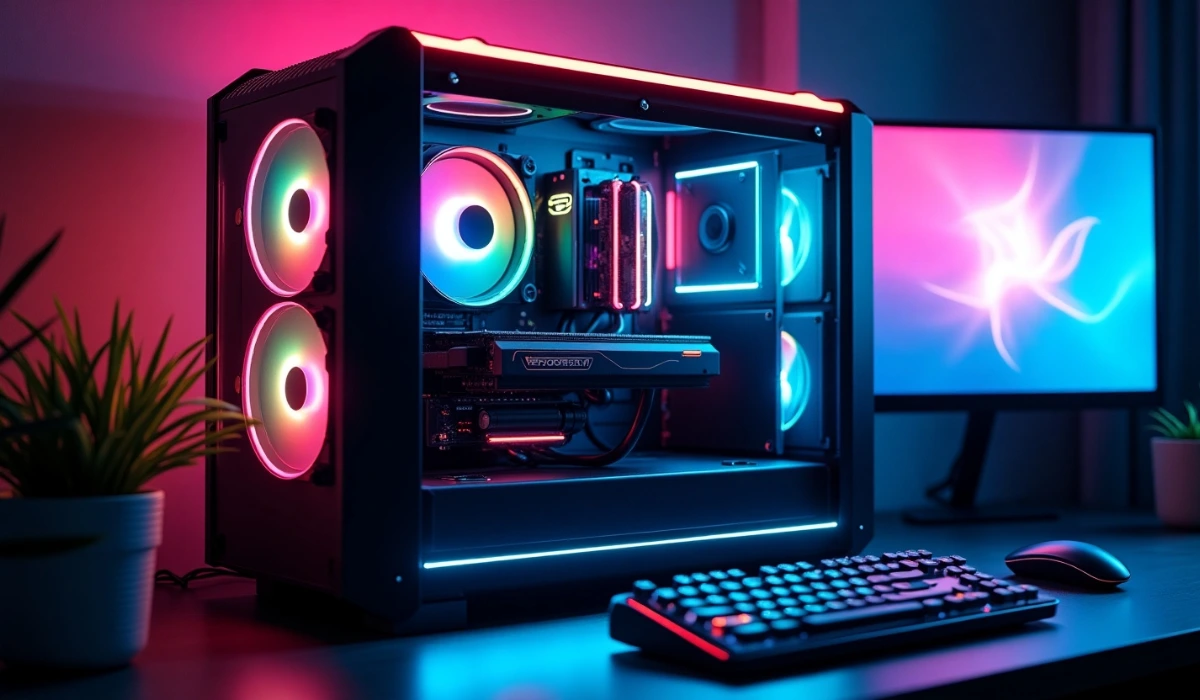
When you decide to build a gaming PC yourself to save money, the initial thing you need to do is ensure that you at least meet the minimum system requirements of the game you want to play.
The Gaming PC needs to be developed from the inside out, and according to your budget, you can enhance system requirements. Let’s analyze the step-by-step instructions for each specific part of building a Gaming Computer.
Step 1: The initial step for building a gaming PC is to gather relevant components, such as the Graphics Processing Unit, Motherboard, Central Processing Unit, Storage, Graphics Processing Unit, PC case, RAM, and power Supply Unit. Let’s analyse each one of them
- Graphics Processing Unit (GPU): One of the most relevant components used for building a gaming PC, and it is relevant for rendering graphics. Choose the proper one that suits your budget, prioritizing high processing power, having 10-12 GB of VRAM, especially for modern gaming. AMD RX 6500 XT is one of the best affordable GPU models for $139.
- Motherboard: The Motherboard is one of the major circuit boards that links all the components, and it assures compatibility with the Central Processing Unit and other parts of the computer. Gigabyte B760M DS3H DDR4 is an affordable motherboard model with a cost of $109.
- Central Processing Unit: It is described as the computer’s brain. For a better gaming experience, select a powerful CPU as it is relevant for rendering graphics in games. Select the Intel Core i3-14100F CPU model for most gaming at $139.
- Storage: Select a Hard Disk Drive for higher storage capacity and for quicker load times; select a suitable Solid State Drive. The most affordable recommended model is Crucial P3 Plus (1TB) at $58, and it is efficient for quick boot times as well as game loading.
- RAM: RAM is one of the significant parts of building a gaming PC, and it provides the processor and graphics processing unit with the resources they require to operate. More RAM helps for smoother gameplay and better multitasking. For gaming, a minimum of 16GB is suggested, and an affordable model is Patriot Viper Elite 11 (2*16GB) at $45.
- PC case: The PC case is the house of all the components, and for building a Gaming PC, you need to select one that suits your aesthetic and has efficient airflow for cooling. One of the suitable models of PC case is the Cooler Master MasterBox Q300L at $36.
- Power Supply Unit: This is another important component for building a Gaming pc, and it offers power to all the components. Seasonic Core V2 GX-650 ($100) is one of the affordable models with efficient wattage to assist your build.
Step 2: Assemble the significant components in a well-lit workspace and collect significant tools such as a Philips-head screwdriver and zip ties for cable management. In this stage, the CPU is installed carefully into the motherboard socket as per the instructions of the manufacturer. After that, insert the Random Access Memory into the suitable motherboard slots.
Then, secure the motherboard in the case using a screw, and also place standoffs into the case to prevent the board from touching the metal. After that, insert the graphics card in the PC slot on the motherboard and also install the HDD and SSD, associating them with the power supply and motherboard.
Ensure all components are powered by linking the PSU cables to the storage devices, motherboard, and GPU. For enhancing aesthetics and airflow, make the cable management efficient.
Step 3: The third step after assembling the components is the system configuration. You need to utilize a USB drive for installing the preferred Operating System. For gaming, Windows is a suitable option. Update all the drivers after installation, mainly for the Graphics Processing Unit, to ensure optimal performance.
After that, check the system stability by analysing temperatures and operating stress tests. Place the PSU (power supply unit) into its bay in the case and, using screws, secure it. Link the major power cables to the Central processing unit, motherboard, and other relevant parts of the Computer.
Step 4: The next step of system configuration is to connect cables efficiently for better performance. Join the front panel connectors of the PC case to the motherboard, and also utilize zip ties to handle the cables properly to strengthen airflow. After that, close the case and join your mouse, monitor, and keyboard.
Finally, improve your personal computer to enter the BIOS and check if all components are identified, and also install the OS from a USB drive to finalize the process.
Also Read: OpenLedger (OPEN) Price Prediction 2025-2030
Conclusion
Building a Gaming Computer provides a customizable and high-performance computing experience, and it helps to analyze your build to your budget and certain requirements. This article helps you build a gaming PC on your own. The only thing needed is to properly follow the instructions and make sure you meet the minimum system requirements of your favourite game.
Then why are you waiting for it? Go build your gaming PC, get into your game, and enjoy your gameplay!
FAQ
The major steps involved in the building process of a Gaming PC are choosing the right components, properly assembling the selected components, and optimizing for performance.
No, with effective preparation and patience, building a personal computer is not a complex process.
The major tools required to build a gaming computer are Velcro Strips, a Philips Head Screwdriver, a Clean, non-conductive surface, and an anti-static Wrist Strap.
The cost to create a gaming personal computer ranges from approximately $400 to $4000 or more for a high-end system.
The major components needed to build a gaming computer are System cooling, Motherboard, Central processing Unit, Random Access Memory, Mouse, Keyboard, Monitor, Graphics Processing Unit, and Power Supply Unit.

Andrew Paul Stookey
I'm Andrew Paul Stookey, a cryptocurrency analyst and investor originally from Leicester. With a deep passion for blockchain technology and decentralized finance, I specialize in market trends, digital asset strategies, and long-term investment planning. Over the years, I've built a reputation for delivering clear, data-driven insights that help others navigate the fast-evolving world of crypto. Whether I'm diving into tokenomics or exploring emerging technologies, I'm always looking for the next opportunity to innovate and grow in the digital asset space.
Related Articles